
Extenders vs Mesh Wi-Fi

When Wi-Fi doesn’t reach every room in your home, two main solutions are usually suggested: Wi-Fi extenders and mesh Wi-Fi systems. Both aim to improve coverage, but they work in very different ways and suit different situations.
This guide explains the difference in simple, practical terms so you can choose the option that makes the most sense for your home.
What is a Wi-Fi extender?
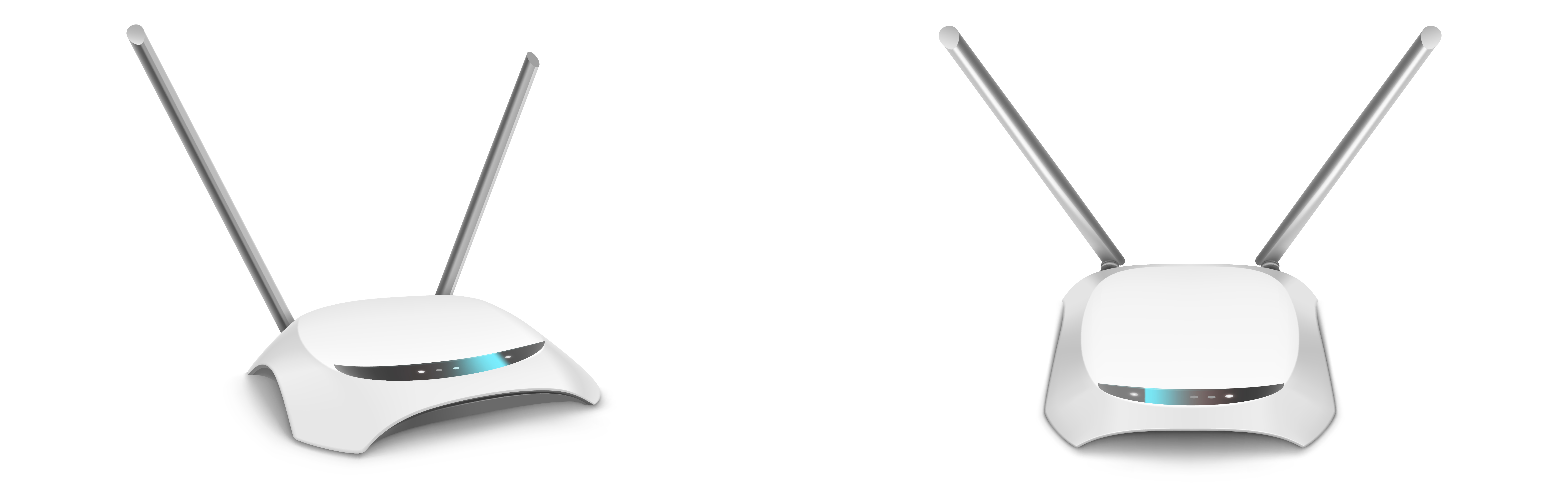
A Wi-Fi extender is a small device that connects to your existing router and repeats the signal to another part of your home. It’s designed to fix a specific weak spot rather than improve coverage everywhere.
Extenders work well when:
- You only have one room with poor Wi-Fi
- Your home is small or medium sized
- You want a low-cost, quick improvement
- Your current Wi-Fi is mostly fine
Limitations of extenders
- They can reduce overall Wi-Fi speed
- You may need to connect to a separate network name
- Performance can be inconsistent
- They don’t help much in large homes
Extenders are simple and affordable, but they are best seen as a quick fix rather than a full upgrade.
What is a mesh Wi-Fi system?

A mesh Wi-Fi system uses several small units placed around your home to create one large, seamless wireless network. Instead of repeating a single signal like an extender, the units work together intelligently to provide consistent coverage everywhere.
Mesh Wi-Fi is ideal when:
- You live in a large house or multi-floor property
- Wi-Fi is weak in several different rooms
- You work from home and need reliable connections
- You want smooth streaming and gaming
- You prefer one network name across the whole house
Benefits of mesh systems
- Stronger, more consistent coverage
- Better performance for multiple devices
- Automatic connection to the best unit
- Easy to expand later with extra nodes
Mesh systems cost more than extenders, but they provide a far better long-term solution for most busy households.
A simple way to decide
- One weak room? → choose a Wi-Fi extender
- Weak signal in many rooms? → choose mesh Wi-Fi
- Small flat or apartment? → extender may be enough
- Large or multi-floor home? → mesh is usually better
Check your router placement first
Before buying any new equipment, make sure your router is in a good position. Poor placement can make Wi-Fi seem weak even when the broadband itself is fine.
Router placement tipsRecommended equipment
If you already know which option you need, these links will help you find reliable products.
Still not sure?
If you’re unsure which solution is right for your home layout and internet use, we can help you work it out and recommend the best approach.
Get personal advice