
Router Placement Tips
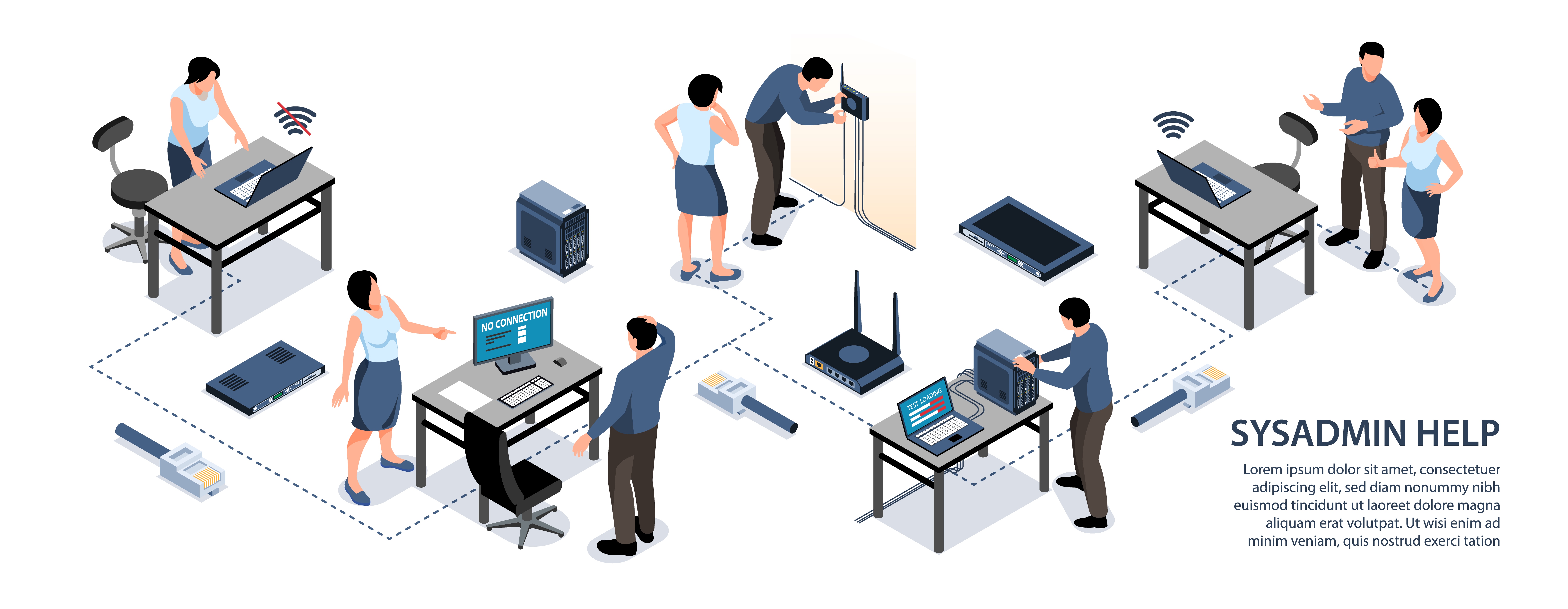
One of the easiest ways to improve your Wi-Fi is also the simplest: put your router in a better place. Many slow internet problems are caused by poor router placement rather than the broadband service itself.
This guide explains how to position your router for the strongest and most reliable signal.
Why placement matters so much
Wi-Fi signals travel outwards from your router in all directions. Walls, furniture and appliances can block or weaken that signal before it reaches your devices.
A badly placed router can make even a fast broadband connection feel slow and unreliable.
Common placement mistakes

Many homes have routers in locations that seriously reduce performance. The most common problems include:
- Putting the router inside a cupboard
- Hiding it behind the TV
- Leaving it on the floor
- Placing it at one far end of the house
- Surrounding it with other electronics
These choices often seem tidy or convenient, but they block Wi-Fi signals and create weak spots around the home.
The ideal router position
For the best possible coverage, try to follow these simple rules:
- Place the router as centrally in your home as possible
- Keep it in an open space, not inside furniture
- Position it on a shelf or table rather than on the floor
- Keep it away from thick walls and large metal objects
- Avoid placing it near microwaves, cordless phones or TVs
Think about the layout of your home
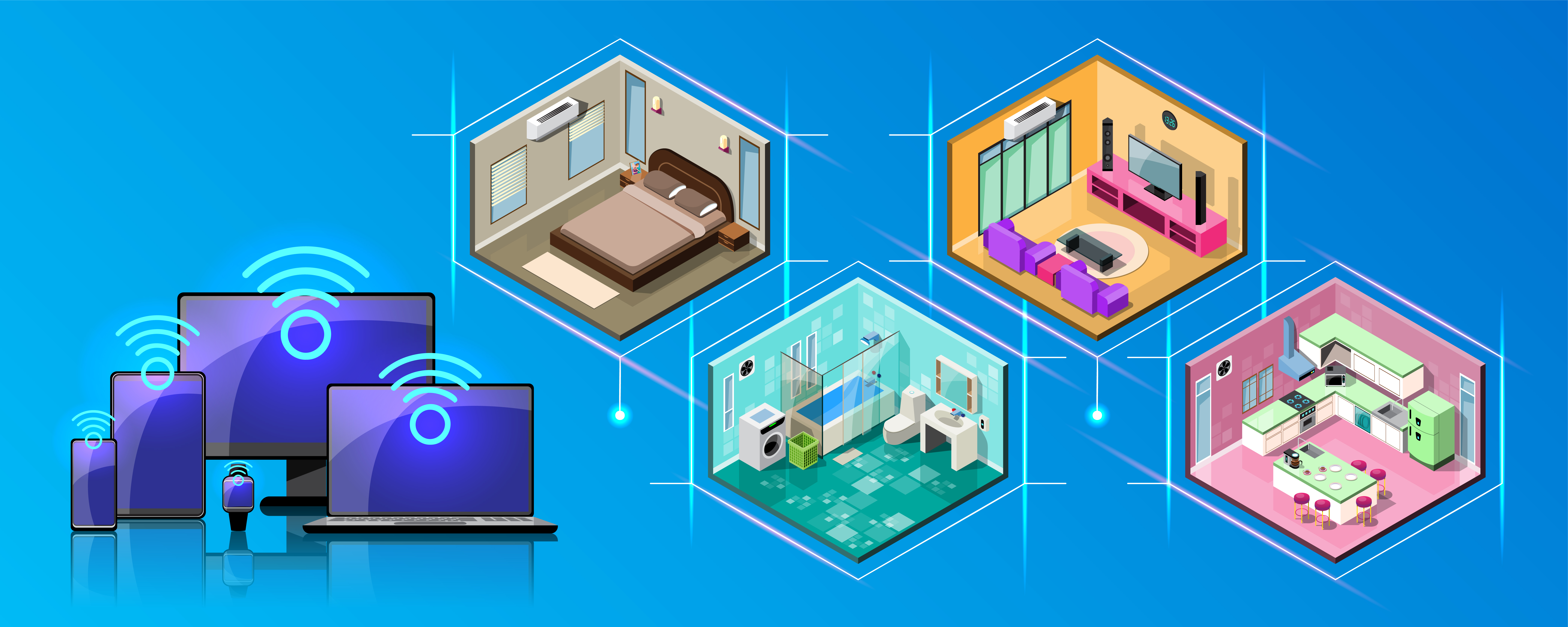
Wi-Fi struggles to travel through:
- Brick or concrete walls
- Floors and ceilings
- Large appliances
- Metal objects and mirrors
If you live in a large or multi-floor property, a single router may not be enough to reach every room, even when placed well.
Simple changes to try today
If your Wi-Fi feels slow, try these quick improvements before buying anything new:
- Move the router out of any cupboard or enclosed space
- Raise it higher on a shelf
- Turn the router so its antennas point upwards
- Move it closer to the middle of the house
- Test speeds in different locations
When placement isn’t enough
In larger homes or properties with thick walls, good placement alone may not solve the problem. In those cases you may need extra equipment.
Our guide below explains the two main options:
Extenders vs Mesh Wi-FiCheck your broadband too
If Wi-Fi is still slow even near the router, the issue might be your broadband package rather than placement.
Choosing the Right BroadbandWe are an independent information site. We do not represent or partner with broadband providers unless explicitly stated.