
Fixing Slow Wi-Fi at Home

Slow or unreliable Wi-Fi is one of the most common technology frustrations in UK homes. The good news is that most problems can be improved without changing your broadband package or paying for expensive upgrades.
Start with the simple checks
Before buying anything new, try these quick steps first. They solve more issues than you might expect.
- Restart your router by turning it off for 30 seconds
- Check whether the problem happens on all devices
- Run a speed test close to the router
- Make sure your router software is up to date
- Check that no large downloads are running in the background
Router placement makes a big difference
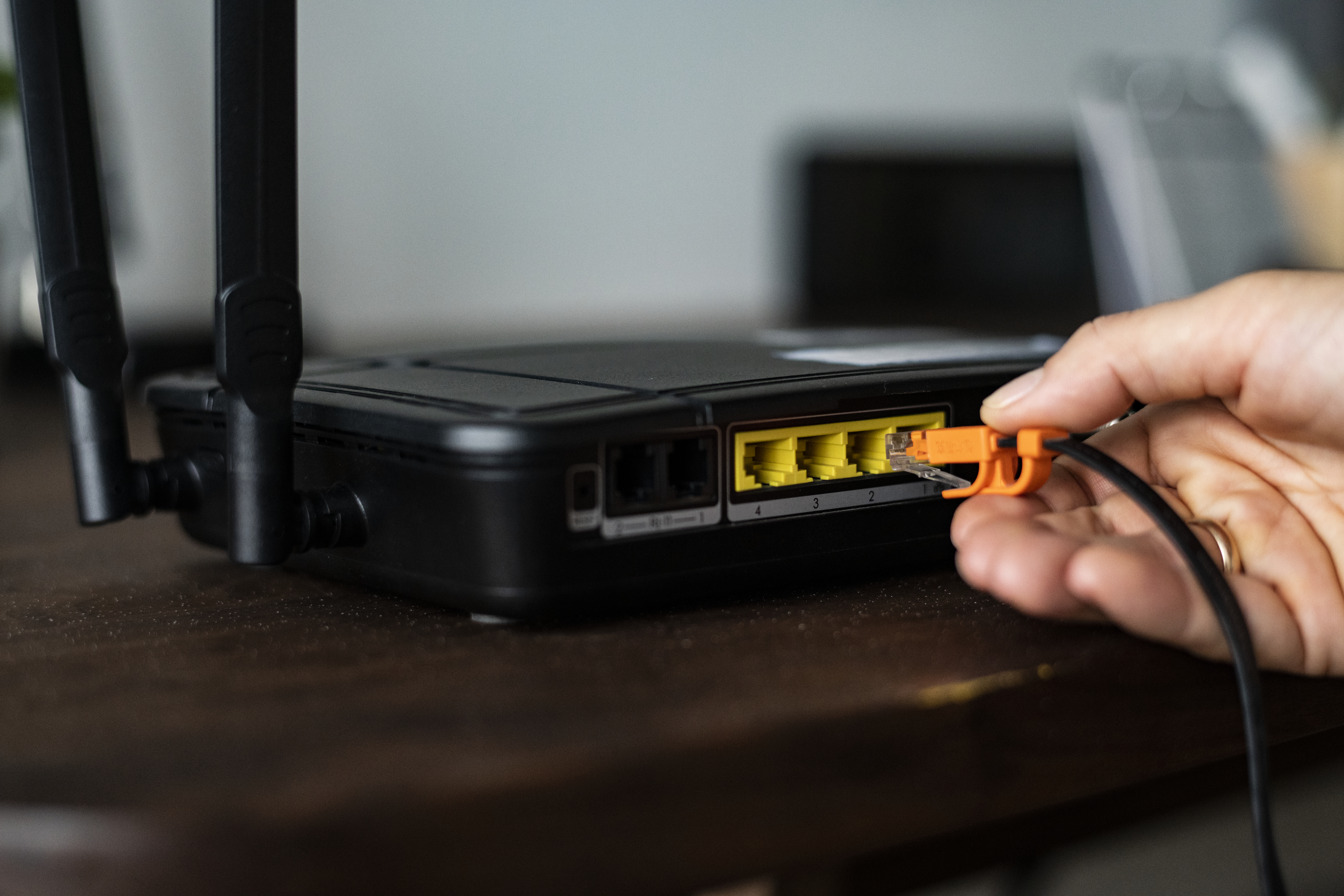
Where your router sits in your home has a huge effect on Wi-Fi performance. Even a fast broadband connection can feel slow if the router is in a poor location.
For the best results:
- Place the router in an open space, not inside a cupboard
- Keep it as central in the house as possible
- Avoid putting it on the floor
- Keep it away from TVs, microwaves and large metal objects
- Try to avoid thick walls and concrete between you and the router
We have a full guide dedicated to this topic if you want more detail.
Read router placement tipsTest your connection properly

It’s important to work out whether the problem is your broadband connection or just your Wi-Fi signal.
Try this simple test:
- Run a speed test while standing next to the router
- Then run the same test in the room where Wi-Fi feels slow
If speeds are good near the router but poor elsewhere, the issue is almost always Wi-Fi coverage rather than the broadband service itself.
When extra equipment can help

If simple changes don’t solve the problem, you may need to improve coverage with additional equipment.
Common options include:
- Wi-Fi extenders for small problem areas
- Mesh Wi-Fi systems for whole-home coverage
- Upgrading an old or outdated router
If you’re unsure which option is right for you, this guide explains the difference clearly.
Extenders vs Mesh Wi-FiConsider your broadband package
Sometimes slow internet is caused by a package that no longer suits your needs. More devices, streaming and home working all increase the demand on your connection.
If you think your current package might be too slow, our broadband guide can help you decide.
Choosing the right broadband