
Basic Broadband Troubleshooting
Internet problems are frustrating, but many of them can be fixed quickly with a few simple checks. This guide walks you through practical steps to get your connection working again.
Step 1 – Restart your router
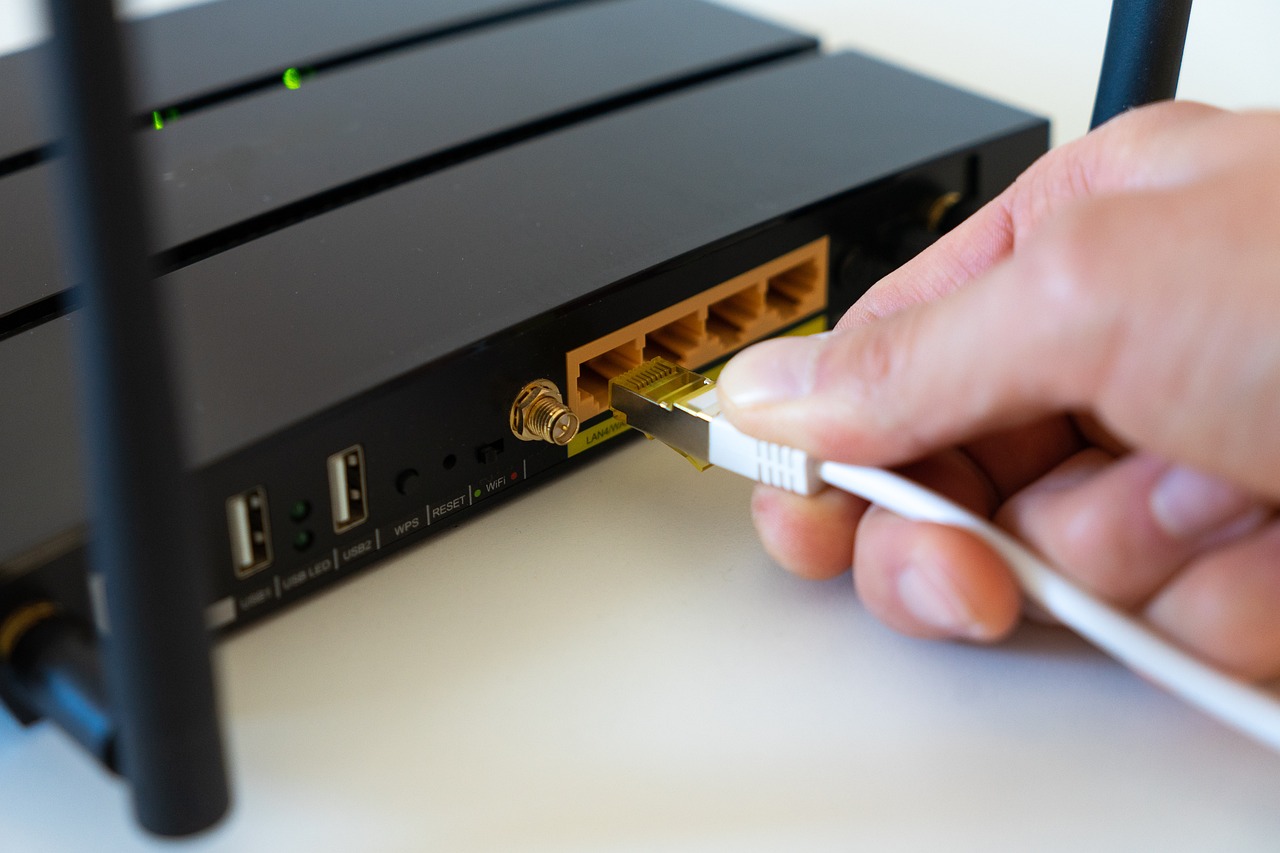
The easiest and most effective fix is also the simplest: turn your router off and on again.
To do this properly:
- Switch the router off at the plug
- Wait at least 30 seconds
- Turn it back on
- Wait a few minutes for it to reconnect
This alone solves a surprising number of connection issues.
Step 2 – Check your cables
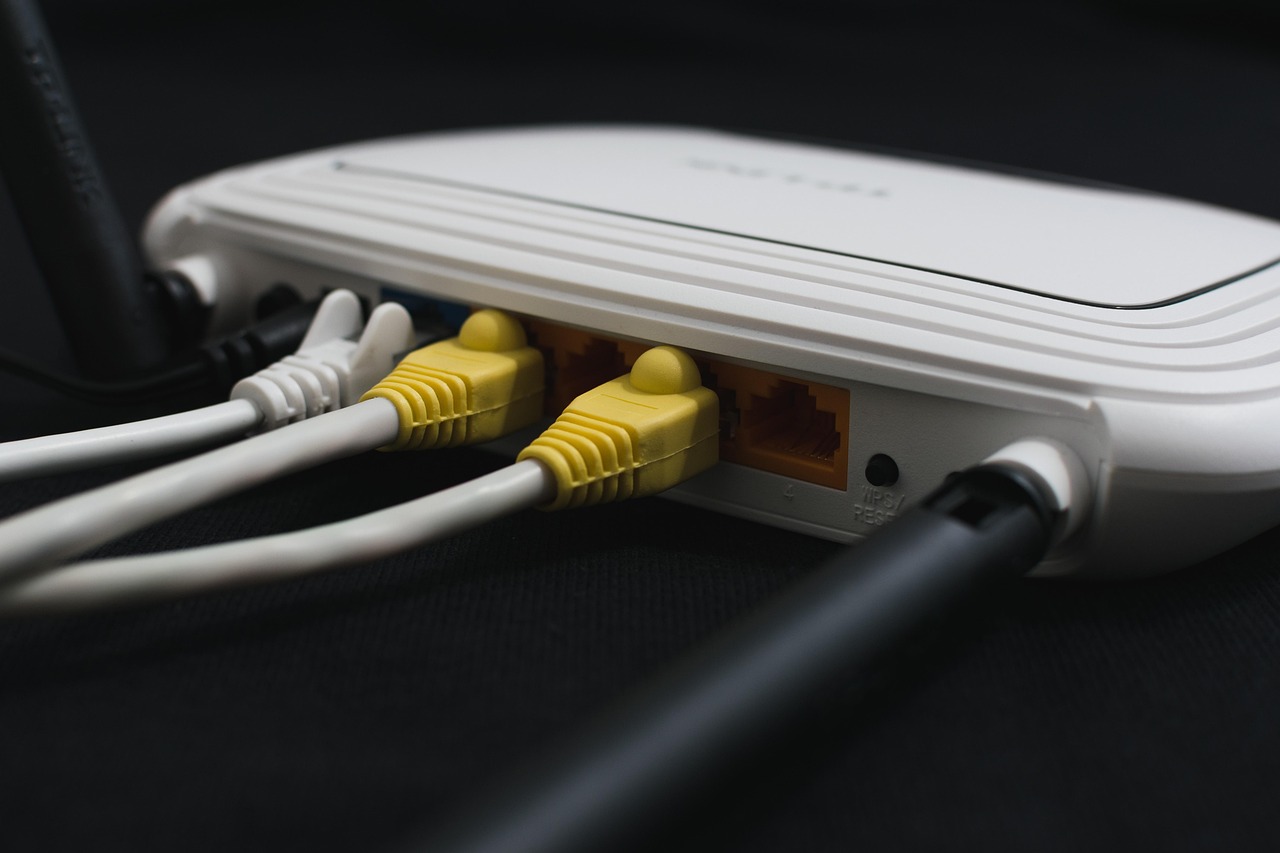
Loose or damaged cables are a common cause of broadband problems.
Check that:
- The power cable is firmly connected
- The broadband or phone line cable is secure
- No cables are damaged or bent
- Filters or microfilters are connected correctly
Step 3 – Identify the real problem
It’s important to work out whether the issue is:
- Your broadband connection itself, or
- Your Wi-Fi signal inside the home
Try connecting a laptop directly to the router with an Ethernet cable. If the internet works fine when wired, the problem is likely Wi-Fi rather than broadband.
These guides can help with Wi-Fi issues:
Step 4 – Check for service outages
Sometimes the problem isn’t in your home at all. Broadband providers occasionally have network outages in local areas.
Check your provider’s website or service status page to see if there are known issues.
Step 5 – Test on different devices
If only one device can’t connect, the problem may be with that phone, tablet or computer rather than the broadband.
Try:
- Restarting the device
- Forgetting and reconnecting to Wi-Fi
- Checking for software updates
When to contact your provider
If you’ve tried all the basic steps and the connection is still not working, it may be time to contact your broadband provider.

They can:
- Run tests on your line
- Check for faults outside your home
- Send an engineer if necessary
If problems happen regularly
Frequent dropouts or slow speeds can sometimes mean:
- Your router is old or faulty
- Your Wi-Fi setup needs improvement
- Your broadband package is no longer suitable
We are an independent information site. We do not represent or partner with broadband providers unless explicitly stated.