
How to Switch Broadband Provider
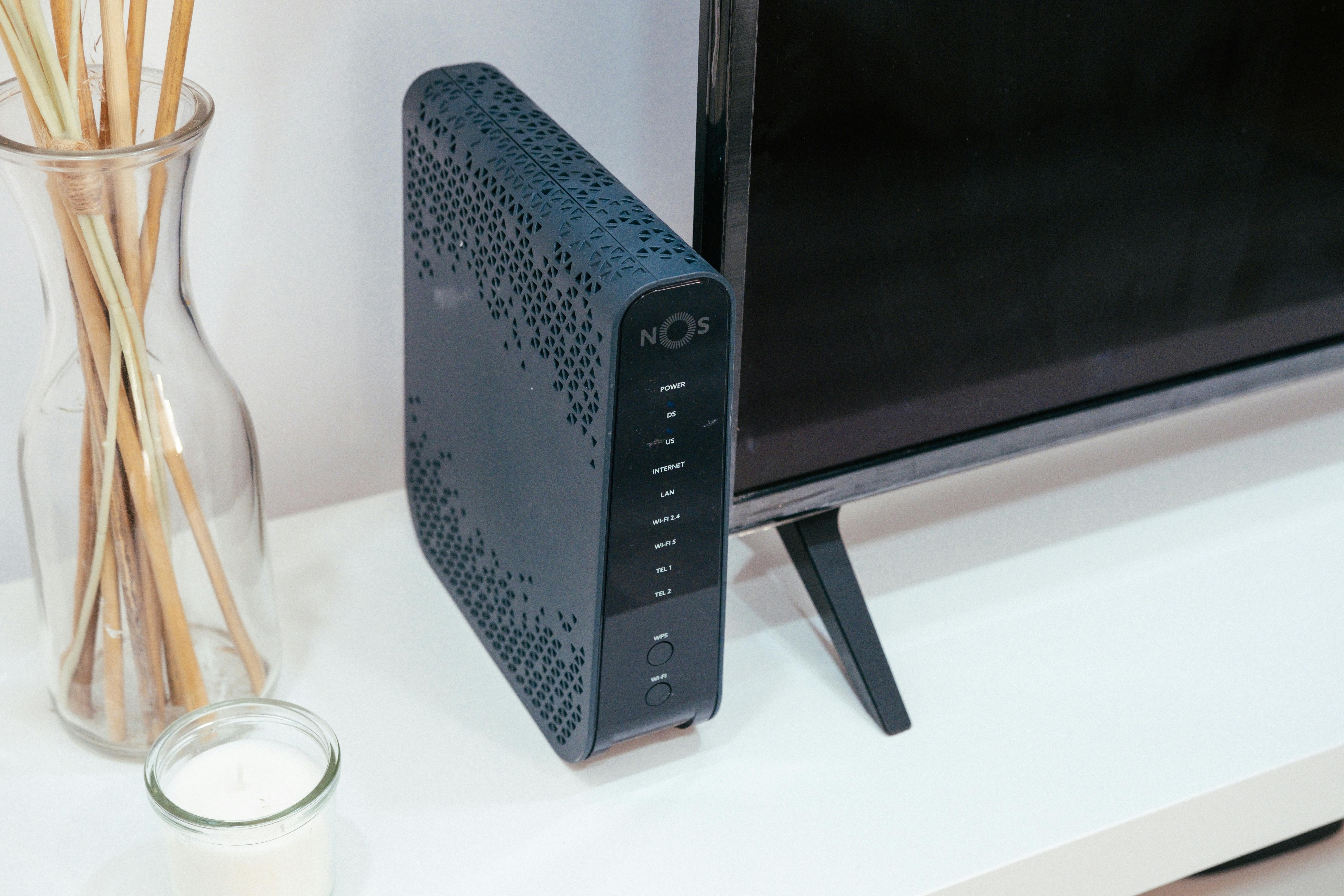
Switching broadband provider is much easier than most people expect. In the UK, the process is usually simple, and in many cases your new provider handles almost everything for you.
This guide walks you through the steps so you can change provider with confidence and avoid unnecessary downtime.
Step 1 – Check what’s available at your address
Broadband options vary depending on where you live. Before doing anything else, it’s important to see which providers and speeds are actually available to you.

Use our checker to see real options for your home:
Check broadband availabilityStep 2 – Compare packages carefully
Price is important, but it shouldn’t be the only factor when choosing a new provider.
Pay attention to:
- Download and upload speeds
- Contract length
- Setup or activation fees
- Quality of the router included
- Customer service reputation
If you want a simple side-by-side overview of the main UK providers, our comparison page can help.
Compare UK broadband providersStep 3 – Place your order
Once you’ve chosen a provider and package, you can usually sign up online in just a few minutes.
After ordering, your new provider will normally:
- Confirm your switch date
- Send out a new router
- Arrange any engineer visits if needed
- Handle the cancellation with your old provider
Do you need to cancel your old broadband?
In most UK switches, you don’t need to contact your old provider at all. The new provider usually manages the transfer for you, making the process smooth and automatic.
The main exception is if you are switching to or from Virgin Media, which sometimes requires a separate cancellation.
Things to check before switching
A few quick checks can save you trouble later.
- Are you still in contract with your current provider?
- Could there be early termination fees?
- Do you need to return your old router?
- Will you keep your landline number?
- Is an engineer visit required?
Preparing for switchover day

To make the changeover as smooth as possible:
- Keep your old service active until the new one is working
- Have your new router ready to install
- Note down any important Wi-Fi details
- Plan for a short period without internet
After the switch is complete

Once your new broadband is live, it’s worth checking everything is working as expected.
- Run a speed test to confirm performance
- Reconnect your devices to the new Wi-Fi
- Check coverage around your home
- Return any equipment from your old provider if required
If speeds are good near the router but poor in other rooms, the issue is likely Wi-Fi coverage rather than the broadband itself.
Improve your home Wi-FiNeed help switching?
If you’re unsure which provider to choose or want help understanding your options, we’re happy to guide you through the process.
Get personal helpWe are an independent information site. We do not represent or partner with broadband providers unless explicitly stated.