
Securing Your Home Wi-Fi
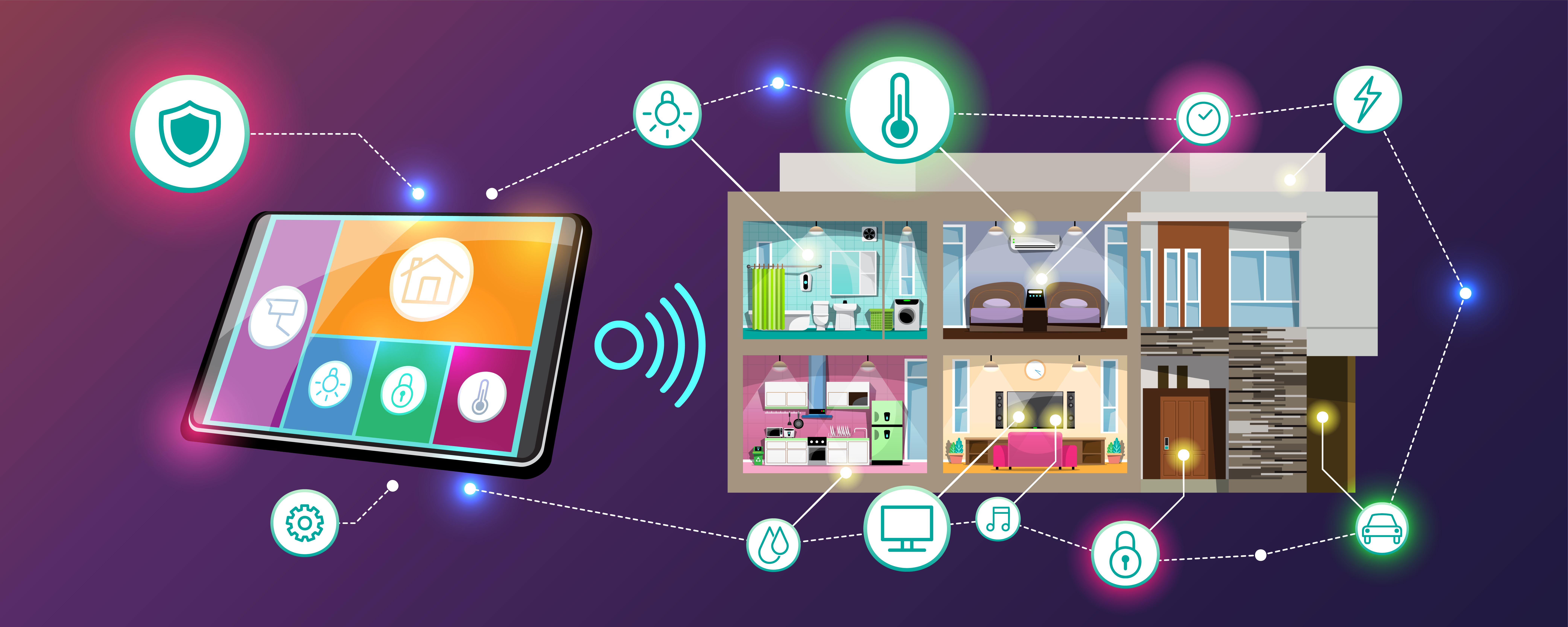
Your home Wi-Fi is the gateway to everything you do online. If it isn’t properly secured, strangers could use your connection, access your devices, or even steal personal information.
The good news is that keeping your Wi-Fi safe doesn’t require technical expertise. A few simple steps make a huge difference.
Change the default router password
Most routers come with a standard admin password printed on the back. Leaving this unchanged makes it easy for someone to access your settings.
Log in to your router and create a new, strong administrator password as soon as possible. This stops others from changing your network settings.
Use a strong Wi-Fi password
Your Wi-Fi network password should be long and hard to guess.
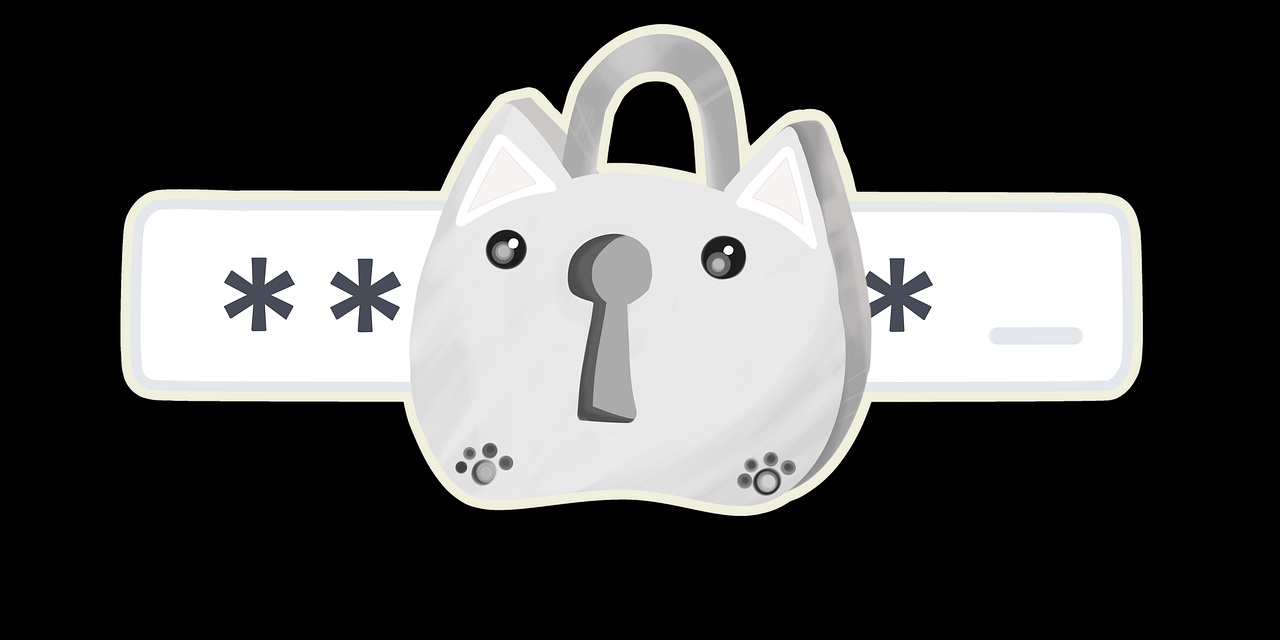
A good Wi-Fi password should:
- Be at least 12 characters long
- Use a mix of letters, numbers and symbols
- Avoid obvious words or dates
- Not be reused from other accounts
Use the right security type
Inside your router settings, make sure your Wi-Fi security is set to a modern standard such as:
- WPA2-PSK
- WPA3 (if your router supports it)
Avoid older options like WEP or open networks, as they are no longer secure.
Keep your router updated
Just like phones and computers, routers need software updates. These updates fix security issues and improve performance.
Check your router settings occasionally to make sure it is running the latest firmware.
Turn off features you don’t need
Many routers include extra features that most households never use. Disabling them can reduce security risks.
- Turn off remote management unless you need it
- Disable WPS if you don’t use it
- Remove old devices from the connected list
Be careful with guest access
If you share your Wi-Fi with visitors, use a separate guest network rather than giving out your main password. Most modern routers allow this.
Check your connected devices
From time to time, look at the list of devices connected to your router. If you see something you don’t recognise, change your Wi-Fi password immediately.
Wi-Fi security and performance
A secure network is also a more reliable network. Strangers using your Wi-Fi can slow it down or cause connection problems.
If you’re already experiencing slow or unstable Wi-Fi, these guides can help:
Need help securing your network?
If you’re unsure how to change these settings on your own router, we can help you review and secure your home Wi-Fi safely.
Get personal helpWe are an independent information site. We do not represent or partner with broadband providers unless explicitly stated.